Article overview
Start with the manuscript basics.
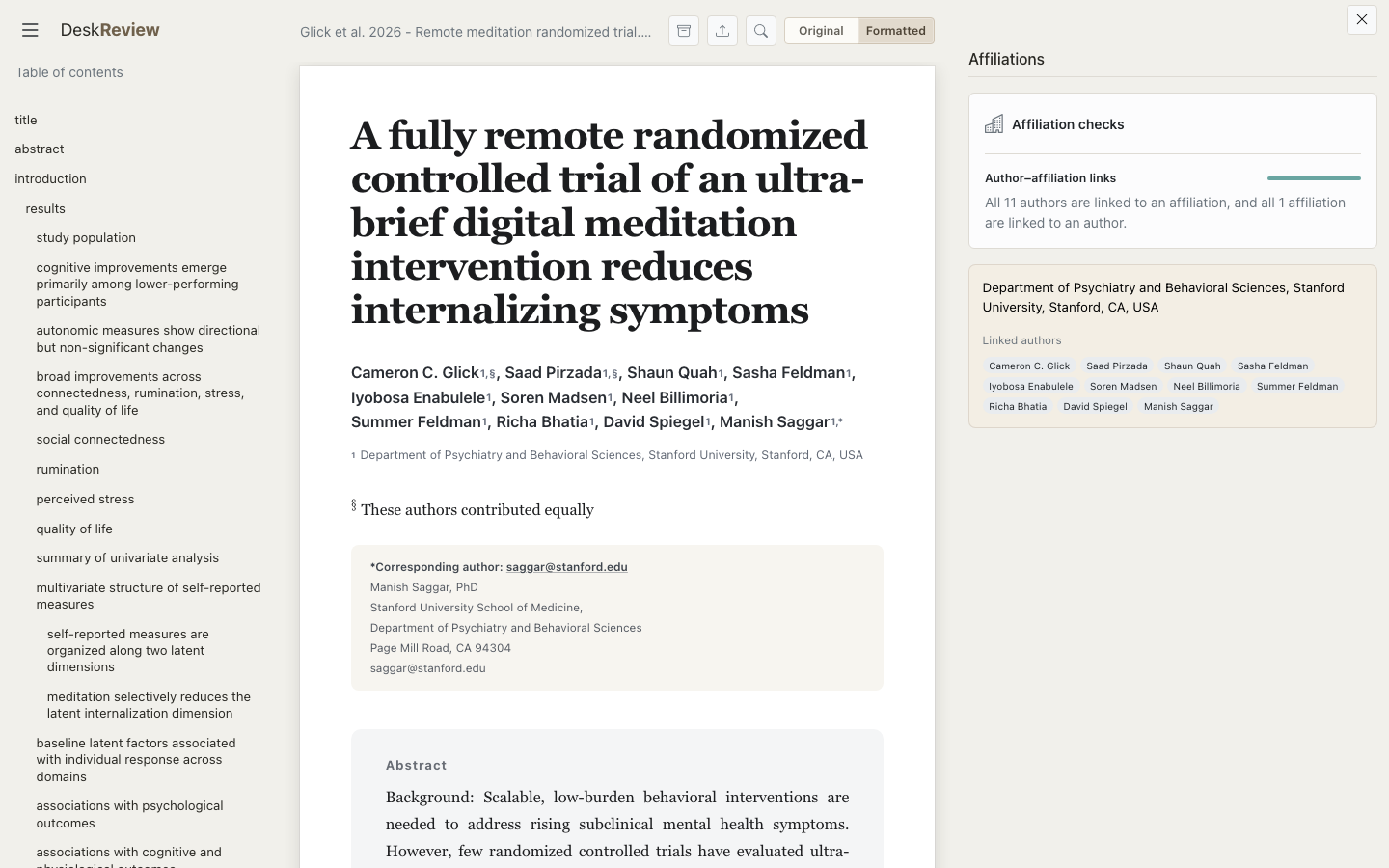
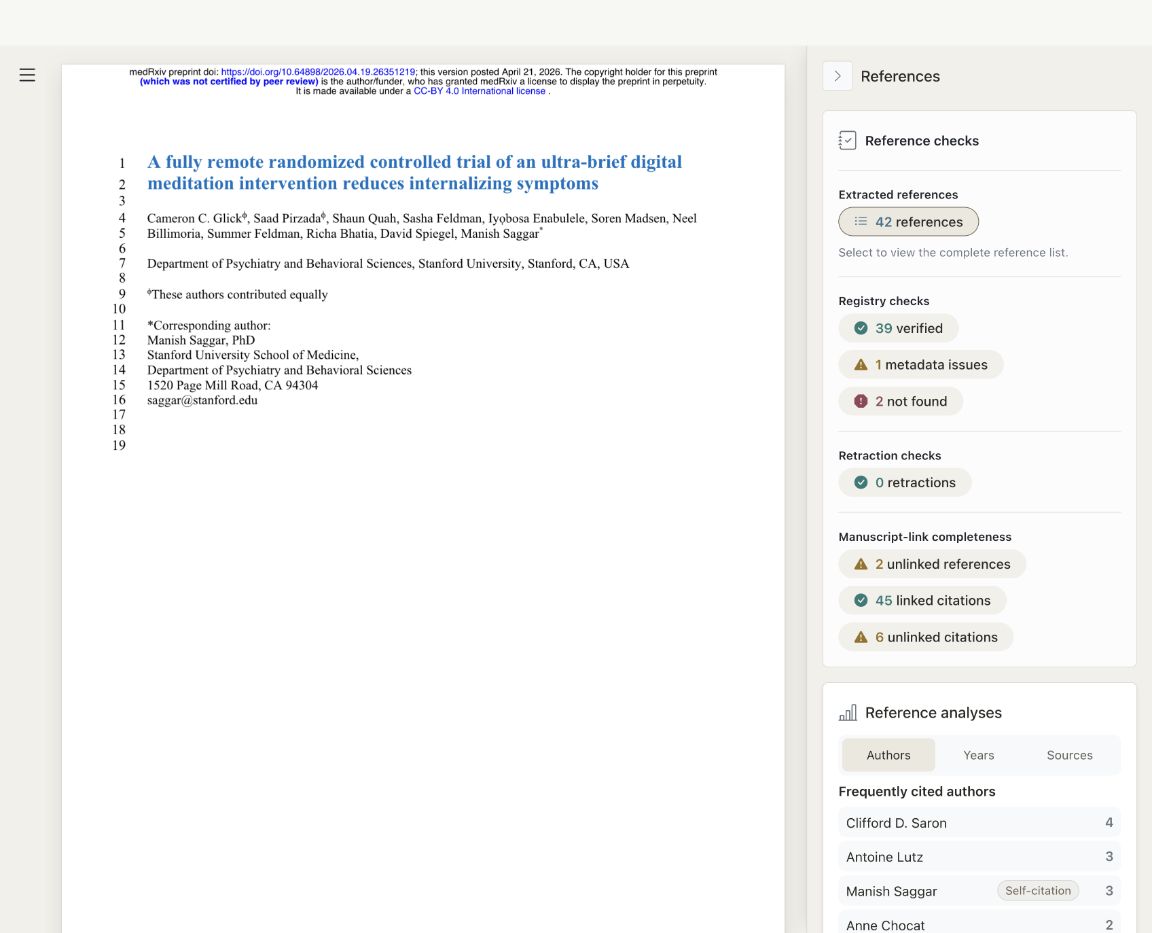
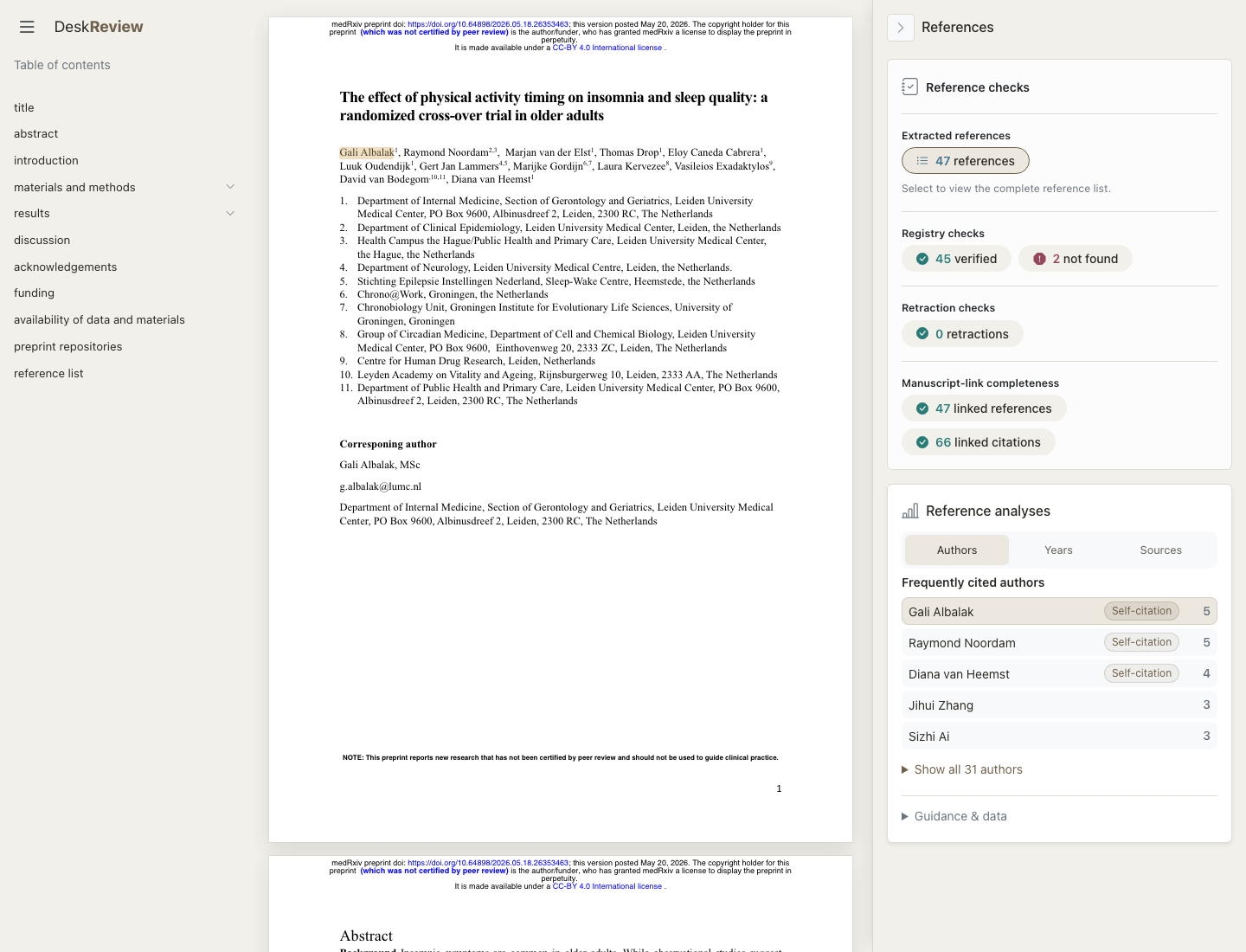
Inspect word counts, author–affiliation links, references, and figure and table mentions. Follow each finding back to your manuscript.
Catch issues in your paper before an editor sees them. DeskReview audits your manuscript for integrity and completeness to make sure it’s ready for submission.
DeskReview has no cloud storage for your manuscripts; review history stays in this browser. Mistral retains inputs and outputs only long enough to return each response. They are not stored afterward or used to train Mistral models.
Open a reviewed manuscript to see what to expect when you upload your own.
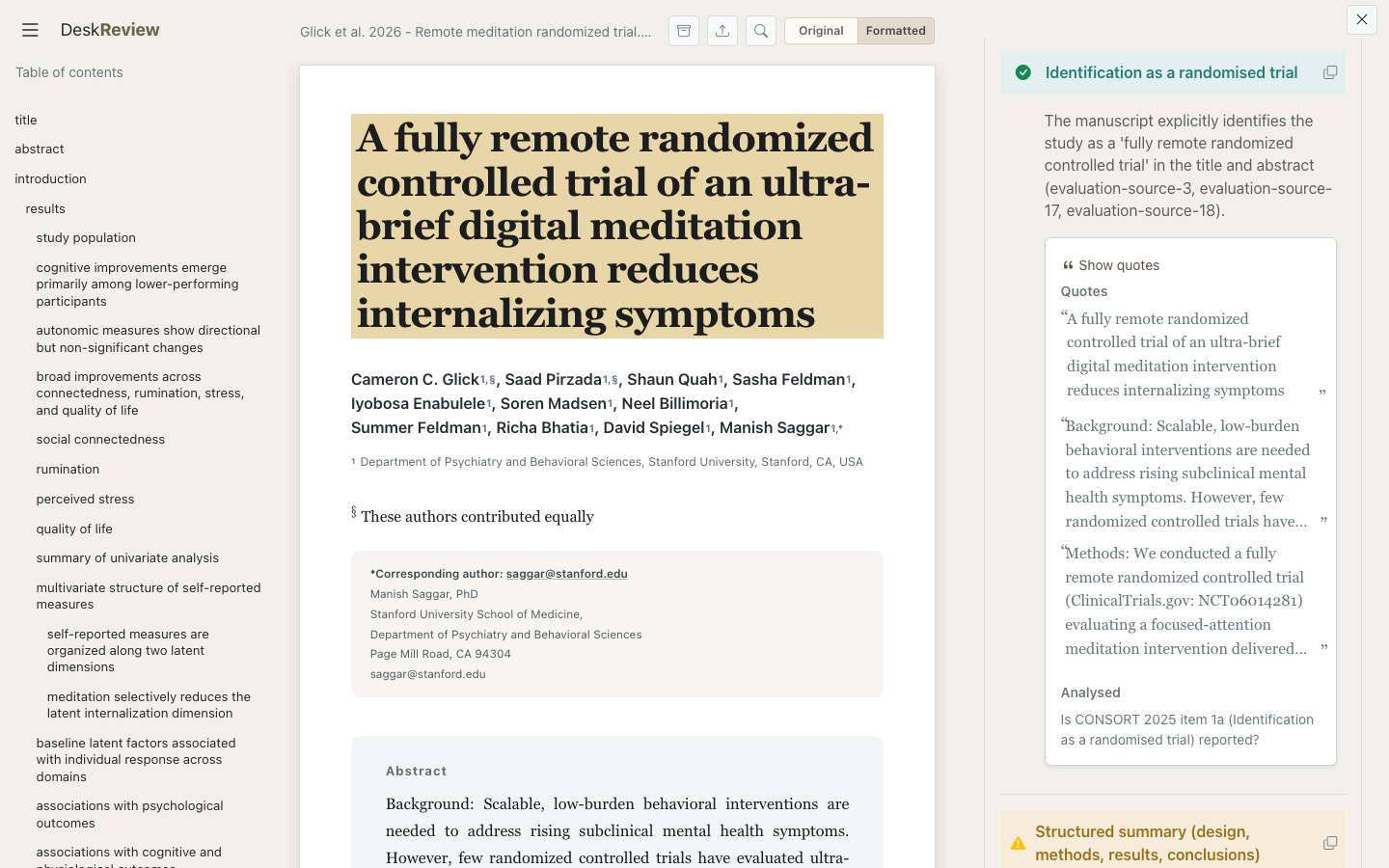
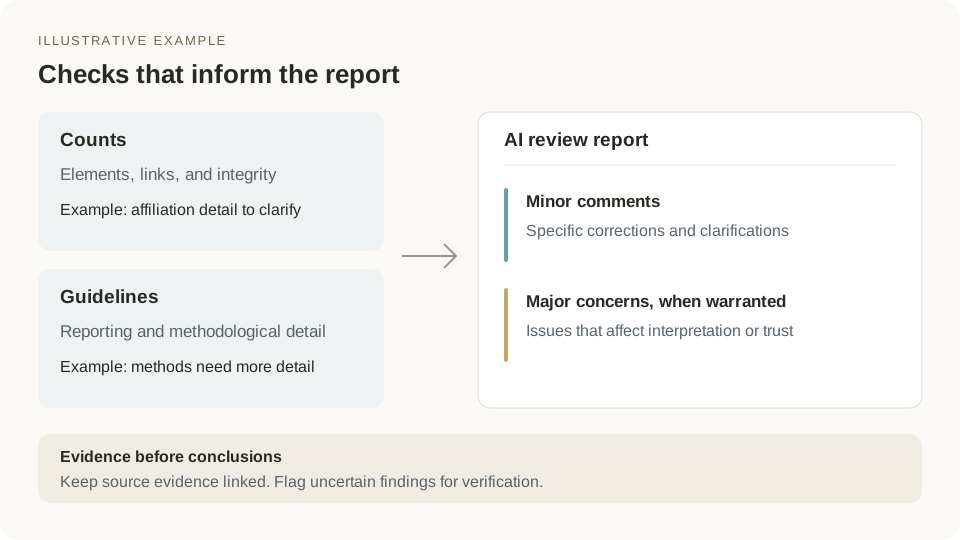
Start with the details, check the reporting, then consider the questions a reviewer might raise. Explore each layer to see the findings and their source evidence.
Inspect word counts, author–affiliation links, references, and figure and table mentions. Follow each finding back to your manuscript.
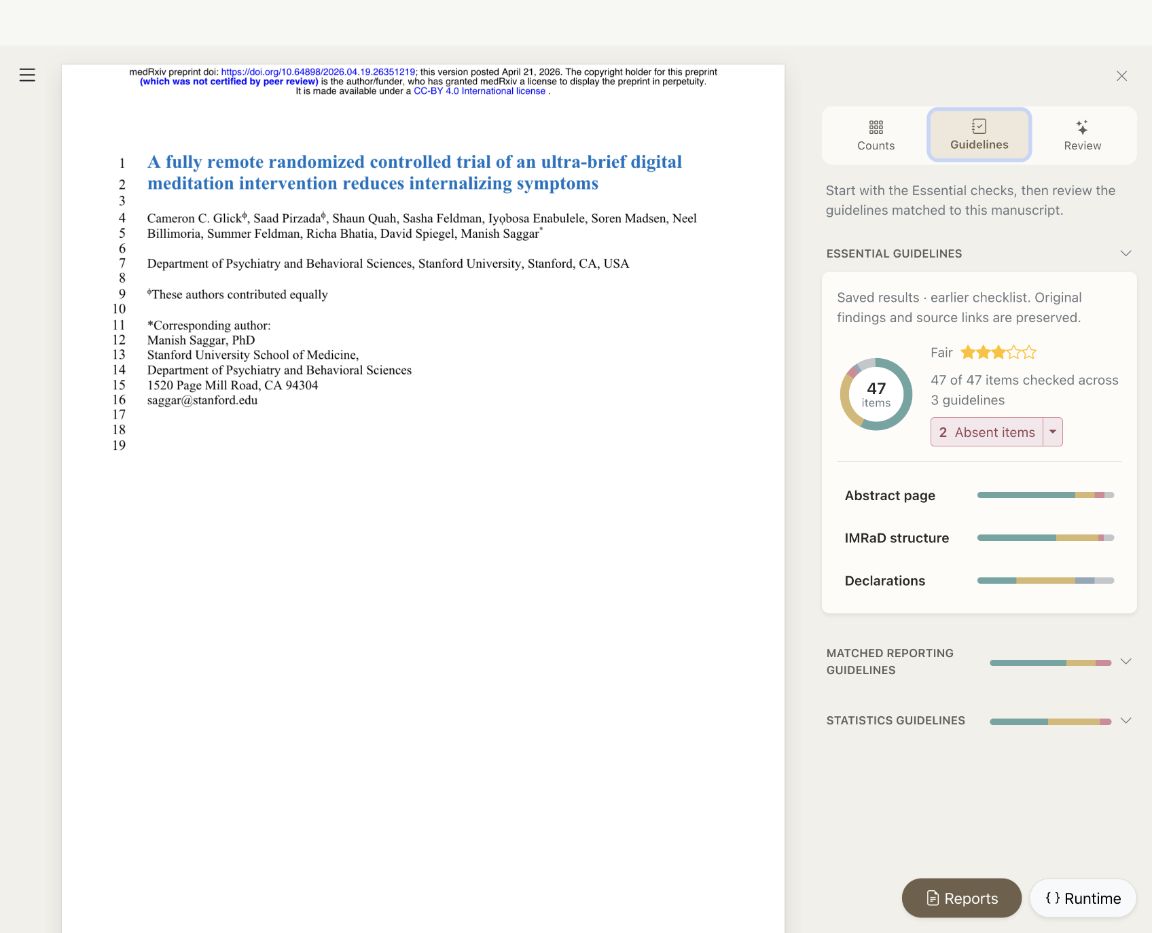
Essentials, study-specific reporting and statistical checks help you spot missing details and inspect the passage behind each result.
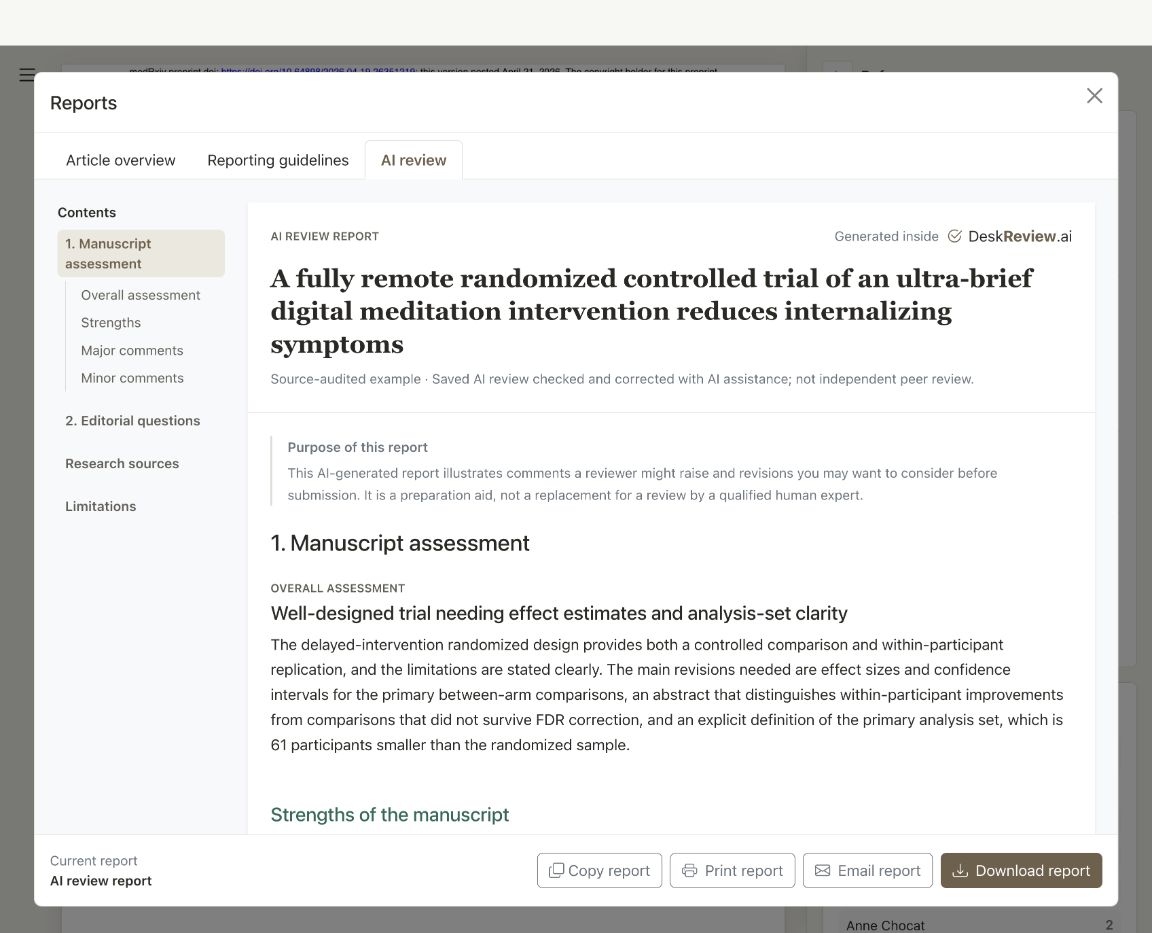
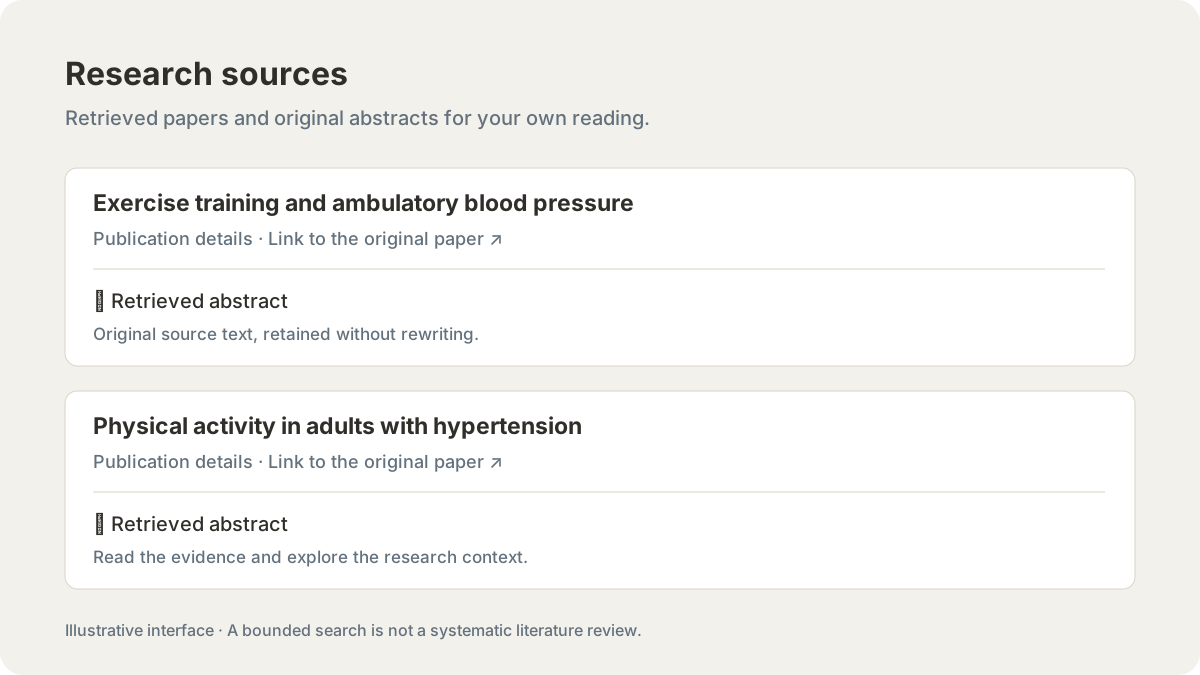
Explore an overall assessment, prioritized comments and related research to decide where your revision needs closer attention.
Want to explore a whole manuscript? Open an example
Check your manuscript’s essentials for free. Choose a one-time payment for detailed reporting and statistics checks for this manuscript.
Review regularly or need on-device AI? Explore DeskReview Local · Free beta.
Mistral retains manuscript inputs and outputs only long enough to return each response. They are not stored afterward or used to train Mistral models. Your review history stays in this browser on your device. Read our privacy policy.
We’d love to hear from you. Add your email only if you would like a reply.
Prefer your own email client? contact@deskreview.ai
Upload a manuscript PDF to render the source pages.
Opening your manuscript…